```scrolling="no"```
```height="300"```
```width="200"```
```src="https://demo-calculator.inbank.ee/calculator/indivy/plan?product_code=product_code_example&amount=get_price(); ?>&shop_uuid=shop_uuid_example&lang=en"/>```| |Optional parameters|| |currency|The currency in which the product price is set. The currency parameter is used for displaying the correct symbol after a monthly payment value. Available currencies are eur, czk and pln. If the currency is not indicated, the default value eur is used.| |lang|The language in which texts in the calculator are shown. Available languages are en, et, pl, lv, cs and ru. If the language is not indicated, the default value en is used.| |template|The calculator view which is to appear on the page. If the template parameter is not set, the calculator with uneditable loan amount is shown. Available options:
Available options:
Note that the representative sample is legally required to be shown in Latvia.| |start_session|Whether the customer can start the financing process from the calculator. By default this parameter is set to `false`.
Note that the use of this parameter needs to be agreed with your Inbank representative.| |session_link|The link to the payment session which is started from the calculator. This link is used if parameter start_session is set to `true`.
Note that the use of this parameter needs to be agreed with your Inbank representative. The session link is provided by Inbank.| # Inbank Hire Purchase Calculator Views The Inbank Hire Purchase calculator lets your customers explore the different monthly payment values they can get depending on the loan period of their selection. The minimum and maximum periods displayed in the calculator depend on the payment product configuration. From the calculator customers can also start the financing process with Inbank. The Hire Purchase calculator has three templates to choose from: - editable\_amount - the template where the customer can manually adjust the loan amount for the calculation - no\_editable amount (the default one) - the calculator template where customers will not be able to edit the loan amount - text - the minimalistic calculator template that only displays the Inbank logo and the monthly calculation The size of the calculator view is defined in the iFrame configuration and is fully adjustable. Note that the size of the calculator iFrame needs to allow for all the elements of the calculator. You can see samples of dimensions in the examples below. The calculator also offers customization options in terms of colors and use of Inbank logo. Examples of templates and customization options are shown below. Default color combinations for backgrounds purple, grey and white. Dimensions h=480, w=380.
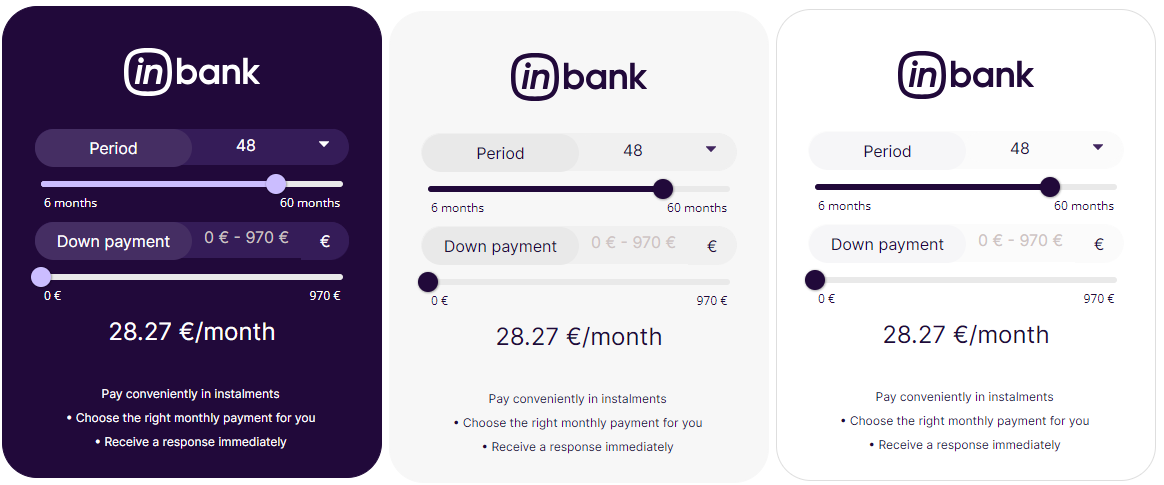 Dimensions h=550, w=370.
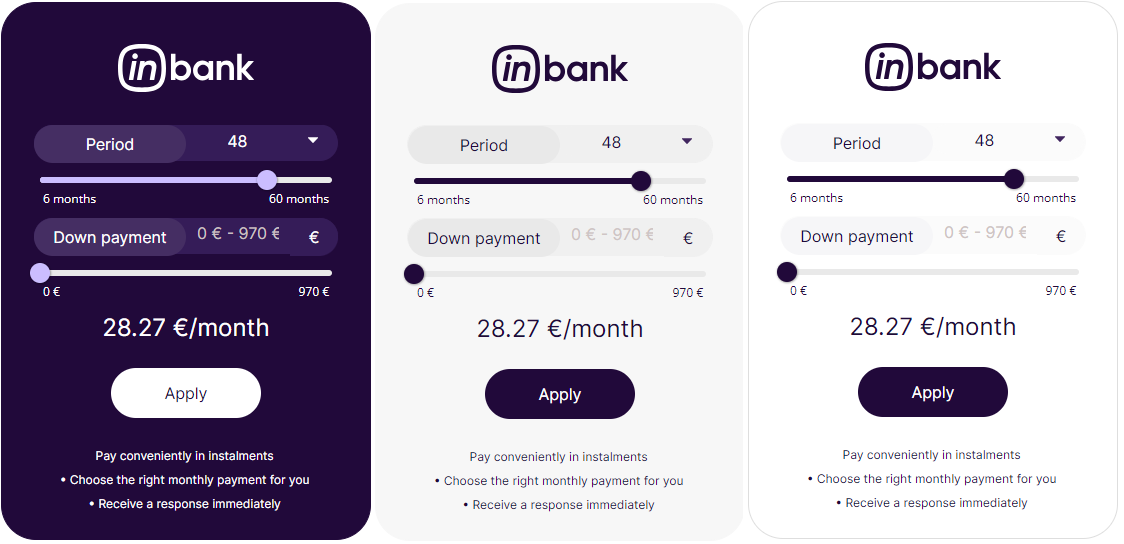 Default color combinations for backgrounds purple, grey and white without the Inbank logo.
Dimensions h=380, w=330.
Default color combinations for backgrounds purple, grey and white without the Inbank logo.
Dimensions h=380, w=330.
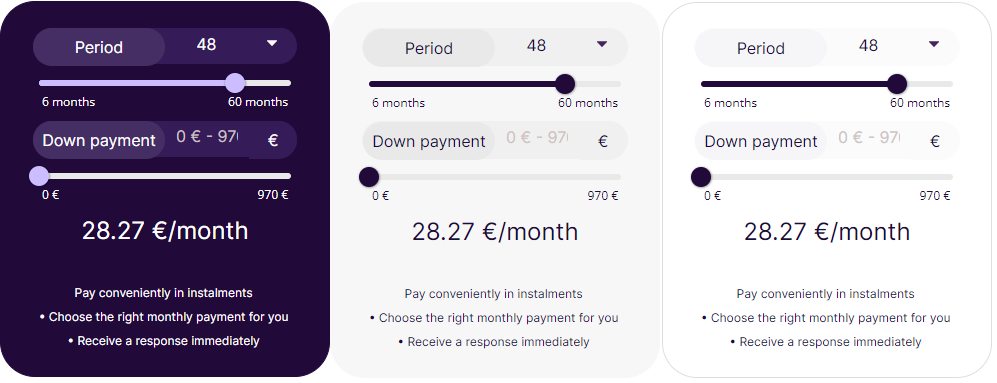 Dimensions h=450, w=330.
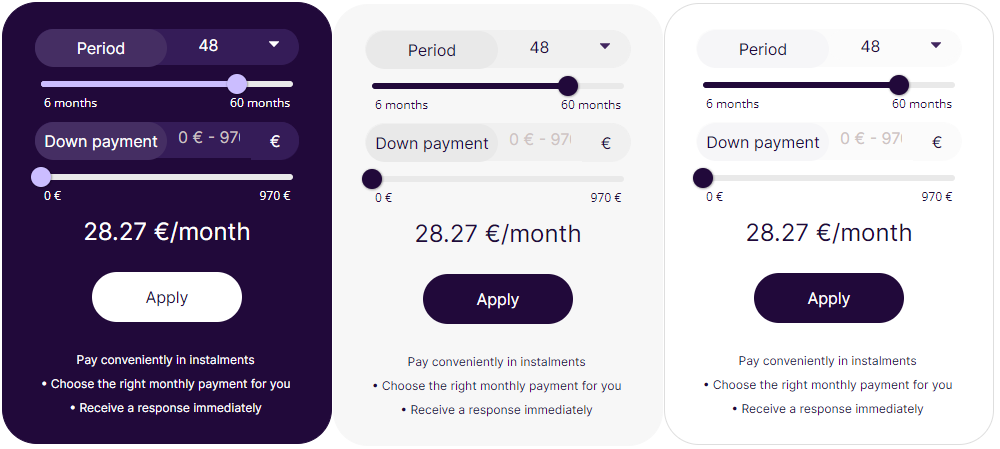 Default color combinations for backgrounds purple, grey and white with an uneditable amount.
Dimensions h=385, w=330.
Default color combinations for backgrounds purple, grey and white with an uneditable amount.
Dimensions h=385, w=330.
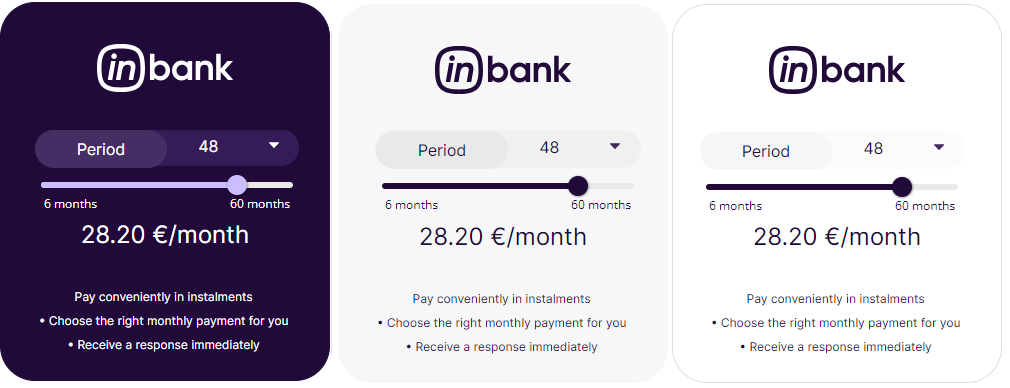 Dimensions h=450, w=330.
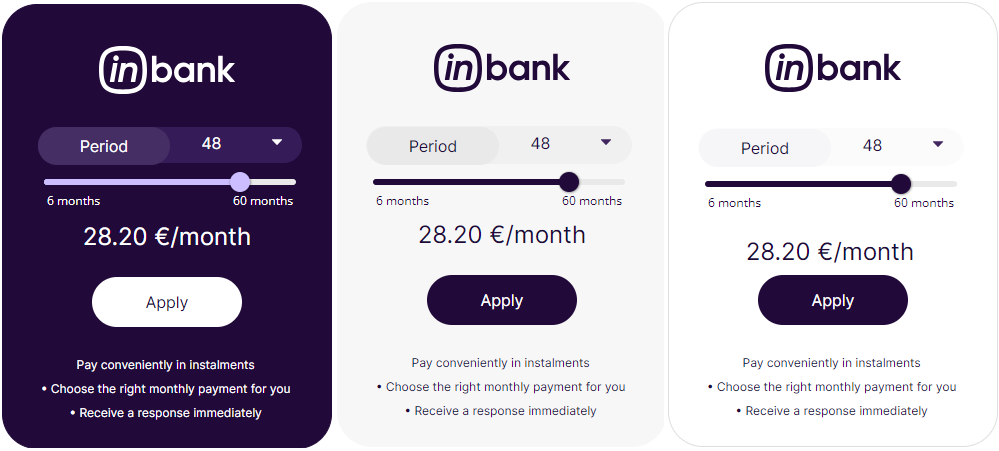 Default color combinations for backgrounds purple, grey and white with editable amount and enabled down payment.
Dimensions h=575, w=350.
Default color combinations for backgrounds purple, grey and white with editable amount and enabled down payment.
Dimensions h=575, w=350.
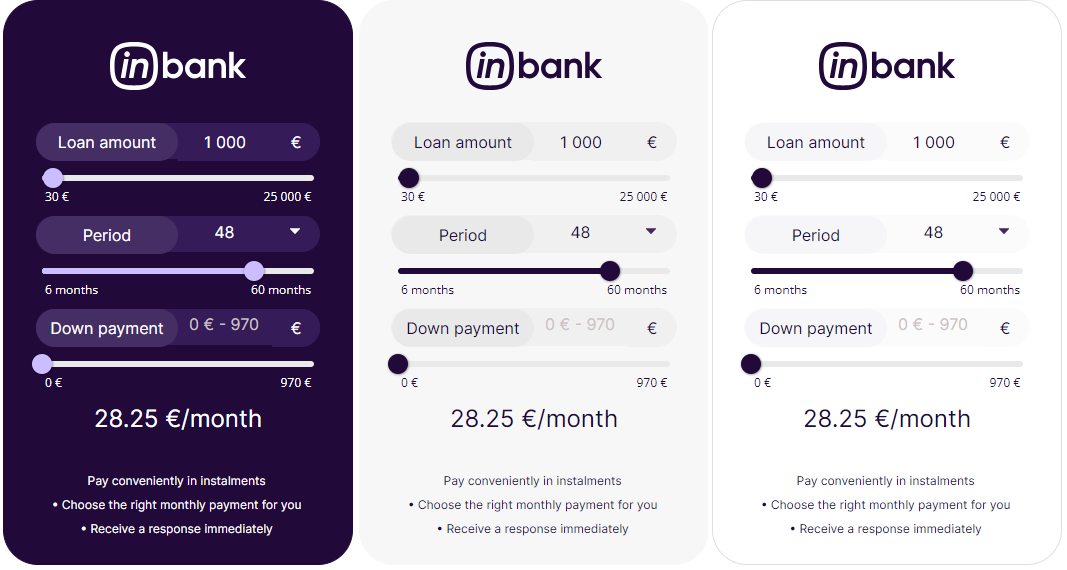 Default color combinations for backgrounds purple, grey and white with the Inbank logo, editable amount and enabled down payment.
Dimensions h=650, w=350.
Default color combinations for backgrounds purple, grey and white with the Inbank logo, editable amount and enabled down payment.
Dimensions h=650, w=350.
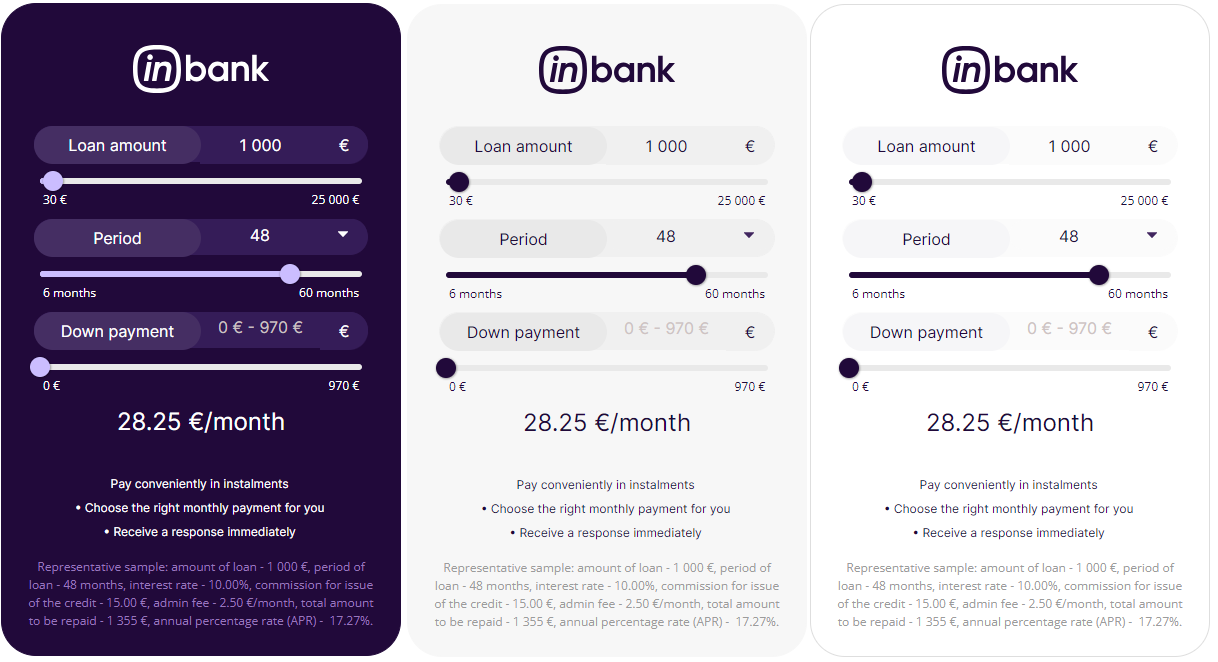
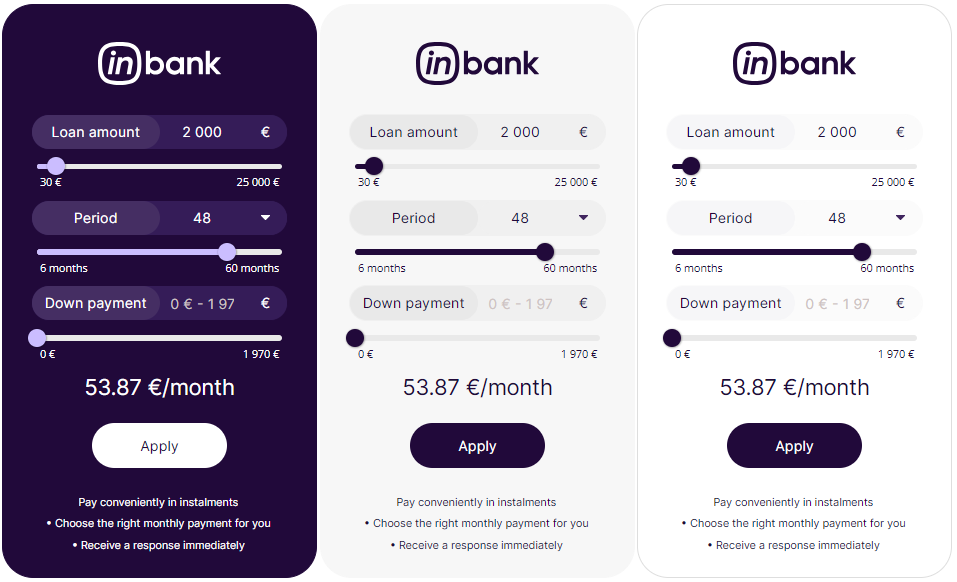 Default color combinations for backgrounds purple, grey and white with the Inbank logo, editable amount, enabled down payment and representative sample.
Dimensions h=660, w=400.
Default color combinations for backgrounds purple, grey and white with the Inbank logo, editable amount, enabled down payment and representative sample.
Dimensions h=660, w=400.
 Default color combinations for backgrounds purple, grey and white in text template.
Dimensions h=115, w=350.
Default color combinations for backgrounds purple, grey and white in text template.
Dimensions h=115, w=350.


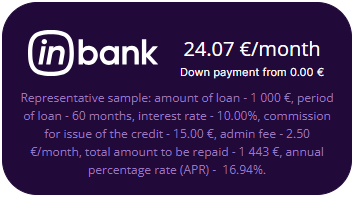
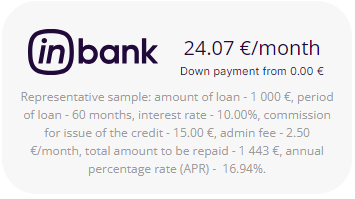
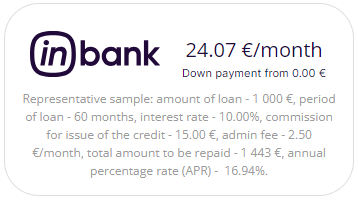
 Default color combinations for backgrounds purple, grey and white in text template with representative sample.
Dimensions h=195, w=350.
Default color combinations for backgrounds purple, grey and white in text template with representative sample.
Dimensions h=195, w=350.
 Default color combinations for backgrounds purple, grey and white in text template without the Inbank logo.
Dimensions h=100, w=240.
Default color combinations for backgrounds purple, grey and white in text template without the Inbank logo.
Dimensions h=100, w=240.


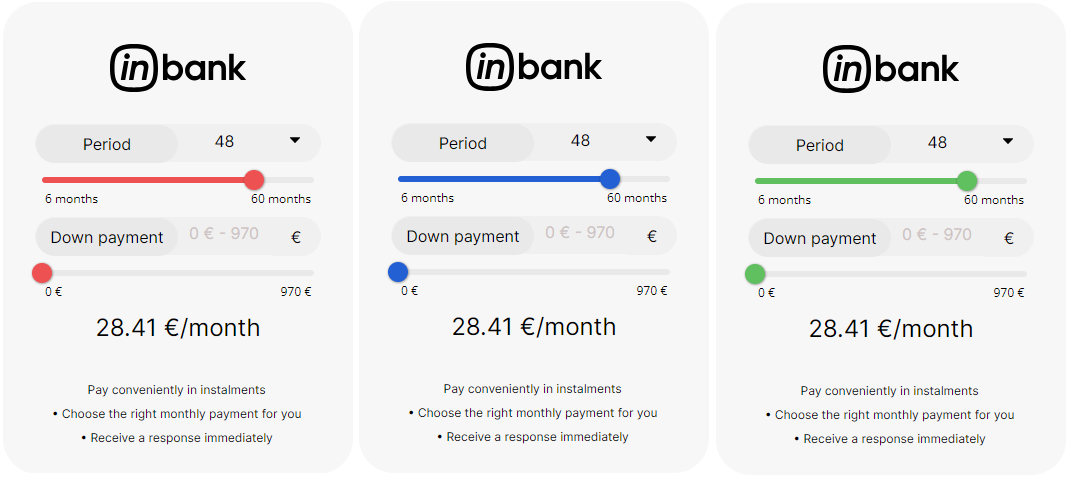
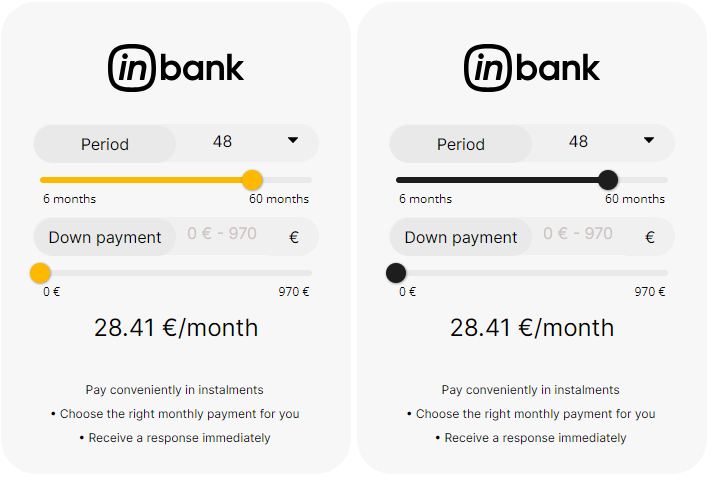
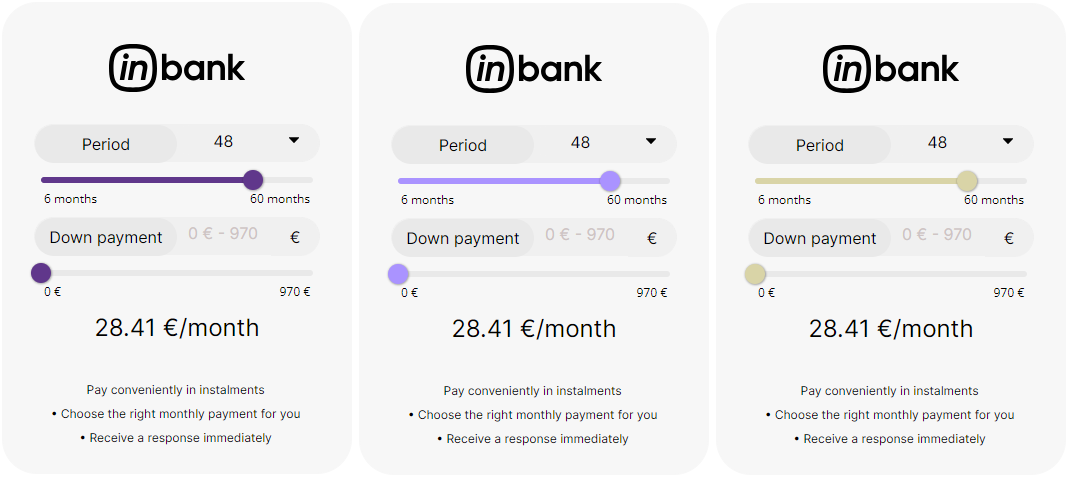
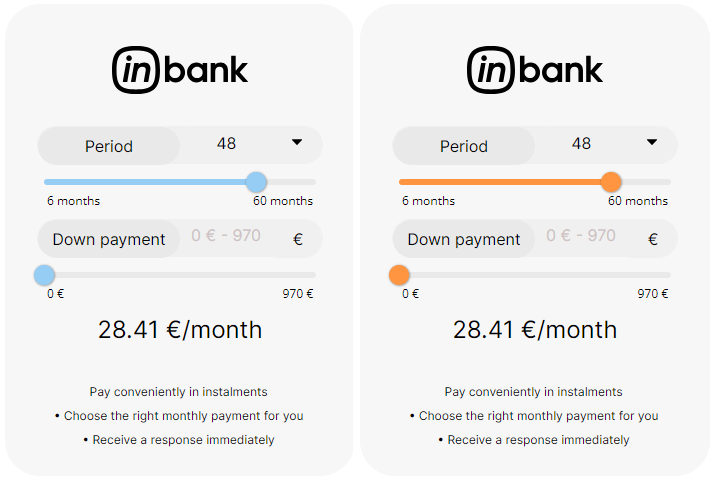
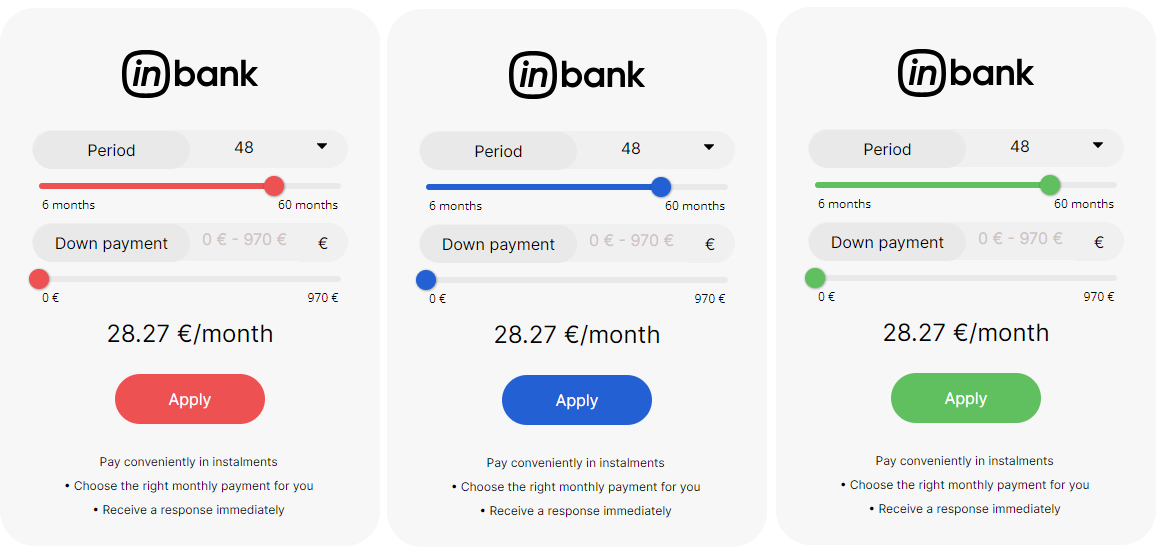
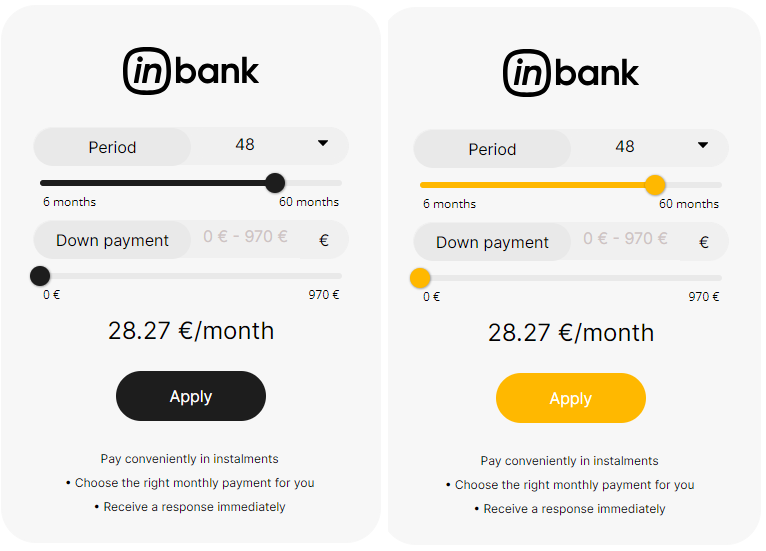
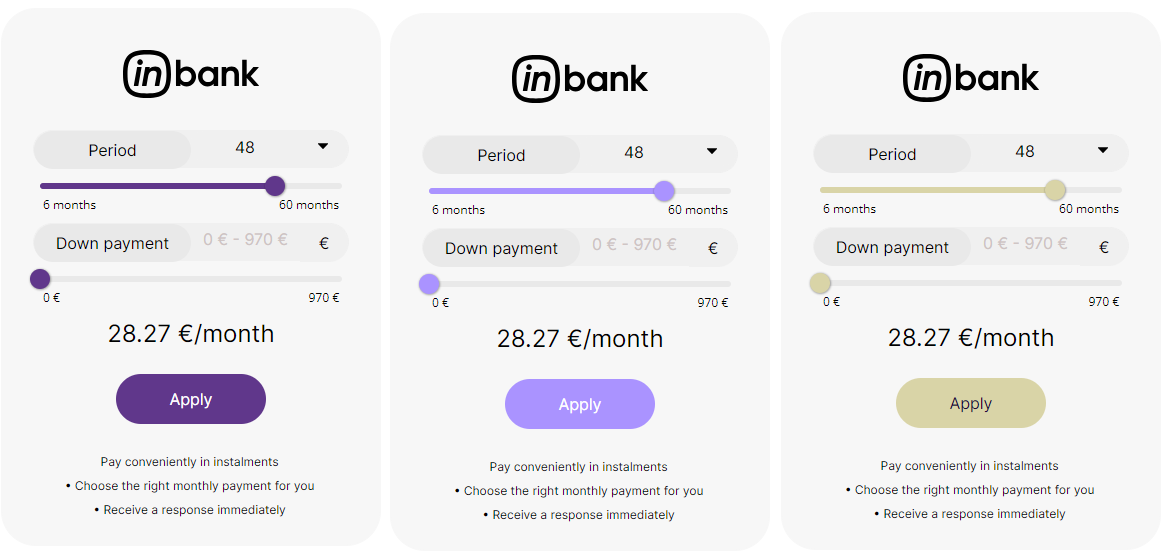
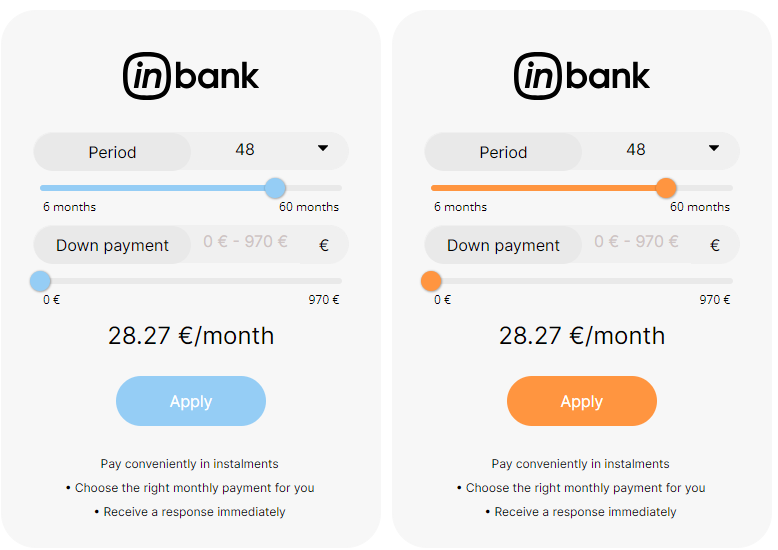
 Color customization options with grey background and template with editable amount. The same customizations are also available for other background colors and the uneditable amount template. There is also the option of not displaying the Inbank logo as well.
Dimensions h=480, w=350.
Color customization options with grey background and template with editable amount. The same customizations are also available for other background colors and the uneditable amount template. There is also the option of not displaying the Inbank logo as well.
Dimensions h=480, w=350.
 Dimensions h=545, w=380.
 Note that for calculations used in Latvia and other cases when there is a need to show the representative sample, example dimensions for a calculator that has two sliders and no `Apply` button are:
- w=400, h=585 for vertical layout
- w=360, h=195 for text calculator template
# Responsive Calculator Implementation
Width
For responsiveness you need to take into account different screen sizes or set the iFrame width in percentages or `auto`, depending on how your website is built (for example, `width="auto"` OR `width="100%"`). This will then set the iFrame width depending on the parent element. If the parent element is 500px wide then the calculator maximum width can also be maximum 500px.
Common breakpoints for widths of devices:
- 320px — 480px: Mobile devices
- 481px — 768px: iPads, Tablets
- 769px — 1024px: Small screens, laptops
- 1025px — 1200px: Desktops, large screens
- 1201px and more — Extra large screens, TV
Height
On the other hand you need to set the height depending on the width of the calculator, for example the more the calculator shrinks (getting smaller in width) the more height it needs. This can be done with showing different blocks via:
- Bootstrap: Grid examples (d-block, d-md-block, d-lg-block, d-xl-block, d-xl-none, d-lg-none, d-md-none, d-none)
- React Material UI → https://mui.com/system/display/#hiding-elements
- Pure CSS → https://www.freecodecamp.org/news/css-media-queries-breakpoints-media-types-standard-resolutions-and-more/
With PURE CSS you need to define all the media types and sizes and inside there you either display a block or you do not display a block.
You can find two basic calculator implementation examples below (based on Bootstrap and React Material UI).
## Bootstrap Example
Insert code below here to test it out and understand what it does and how it's working - https://www.w3schools.com/bootstrap4/tryit.asp?filename=trybs_grid_examples1&stacked=h
If you want more precise elements you can also make more divs with different blocks to show and not to show and set the height in each iFrame.
```
Note that for calculations used in Latvia and other cases when there is a need to show the representative sample, example dimensions for a calculator that has two sliders and no `Apply` button are:
- w=400, h=585 for vertical layout
- w=360, h=195 for text calculator template
# Responsive Calculator Implementation
Width
For responsiveness you need to take into account different screen sizes or set the iFrame width in percentages or `auto`, depending on how your website is built (for example, `width="auto"` OR `width="100%"`). This will then set the iFrame width depending on the parent element. If the parent element is 500px wide then the calculator maximum width can also be maximum 500px.
Common breakpoints for widths of devices:
- 320px — 480px: Mobile devices
- 481px — 768px: iPads, Tablets
- 769px — 1024px: Small screens, laptops
- 1025px — 1200px: Desktops, large screens
- 1201px and more — Extra large screens, TV
Height
On the other hand you need to set the height depending on the width of the calculator, for example the more the calculator shrinks (getting smaller in width) the more height it needs. This can be done with showing different blocks via:
- Bootstrap: Grid examples (d-block, d-md-block, d-lg-block, d-xl-block, d-xl-none, d-lg-none, d-md-none, d-none)
- React Material UI → https://mui.com/system/display/#hiding-elements
- Pure CSS → https://www.freecodecamp.org/news/css-media-queries-breakpoints-media-types-standard-resolutions-and-more/
With PURE CSS you need to define all the media types and sizes and inside there you either display a block or you do not display a block.
You can find two basic calculator implementation examples below (based on Bootstrap and React Material UI).
## Bootstrap Example
Insert code below here to test it out and understand what it does and how it's working - https://www.w3schools.com/bootstrap4/tryit.asp?filename=trybs_grid_examples1&stacked=h
If you want more precise elements you can also make more divs with different blocks to show and not to show and set the height in each iFrame.
```
Two Columns
Use the .col class on a specified number of elements and Bootstrap will recognize how many elements there are (and create equal-width columns). In the example below, we use two col elements, which gets a width of 33.33% and 66.66%
BIG CALCULATOR
SMALL CALCULATOR
Lorem Ipsum is simply dummy text of the printing and typesetting industry. Lorem Ipsum has been the industry's standard dummy text ever since the 1500s, when an unknown printer took a galley of type and scrambled it to make a type specimen book. It has survived not only five centuries, but also the leap into electronic typesetting, remaining essentially unchanged. It was popularized in the 1960s with the release of Letraset sheets containing Lorem Ipsum passages, and more recently with desktop publishing software like Aldus PageMaker including versions of Lorem Ipsum
Lorem Ipsum is simply dummy text of the printing and typesetting industry. Lorem Ipsum has been the industry's standard dummy text ever since the 1500s, when an unknown printer took a galley of type and scrambled it to make a type specimen book. It has survived not only five centuries, but also the leap into electronic typesetting, remaining essentially unchanged. It was popularized in the 1960s with the release of Letraset sheets containing Lorem Ipsum passages, and more recently with desktop publishing software like Aldus PageMaker including versions of Lorem Ipsum
Lorem Ipsum is simply dummy text of the printing and typesetting industry. Lorem Ipsum has been the industry's standard dummy text ever since the 1500s, when an unknown printer took a galley of type and scrambled it to make a type specimen book. It has survived not only five centuries, but also the leap into electronic typesetting, remaining essentially unchanged. It was popularized in the 1960s with the release of Letraset sheets containing Lorem Ipsum passages, and more recently with desktop publishing software like Aldus PageMaker including versions of Lorem Ipsum
BIG CALCULATOR
SMALL CALCULATOR
Lorem Ipsum is simply dummy text of the printing and typesetting industry. Lorem Ipsum has been the industry's standard dummy text ever since the 1500s, when an unknown printer took a galley of type and scrambled it to make a type specimen book. It has survived not only five centuries, but also the leap into electronic typesetting, remaining essentially unchanged. It was popularized in the 1960s with the release of Letraset sheets containing Lorem Ipsum passages, and more recently with desktop publishing software like Aldus PageMaker including versions of Lorem Ipsum